

Documentation Index
Fetch the complete documentation index at: https://docs.evidentlyai.com/llms.txt
Use this file to discover all available pages before exploring further.
Need help? Ask on Discord.
- evaluating prediction quality (e.g. classification or regression accuracy)
- input data quality (e.g. missing values, out-of-range features)
- data and prediction drift.
1. Set up your environment
Install the Evidently Python library:2. Prepare a toy dataset
Let’s import a toy dataset with tabular data:Have trouble downloading the data?
Have trouble downloading the data?
If OpenML is not available, you can download the same dataset from here:
Prod data will include people with education levels unseen in the reference dataset:
Eval_data_2 will be our reference dataset we’ll compare against.
3. Get a Report
Let’s generate a Data Drift preset that will check for statistical distribution changes between all columns in the dataset.You can customize drift parameters by choosing different methods and thresholds. In our case we proceed as is so default tests selected by Evidently will apply.
4. Explore the results
Local preview. In a Python environment like Jupyter notebook or Colab, run: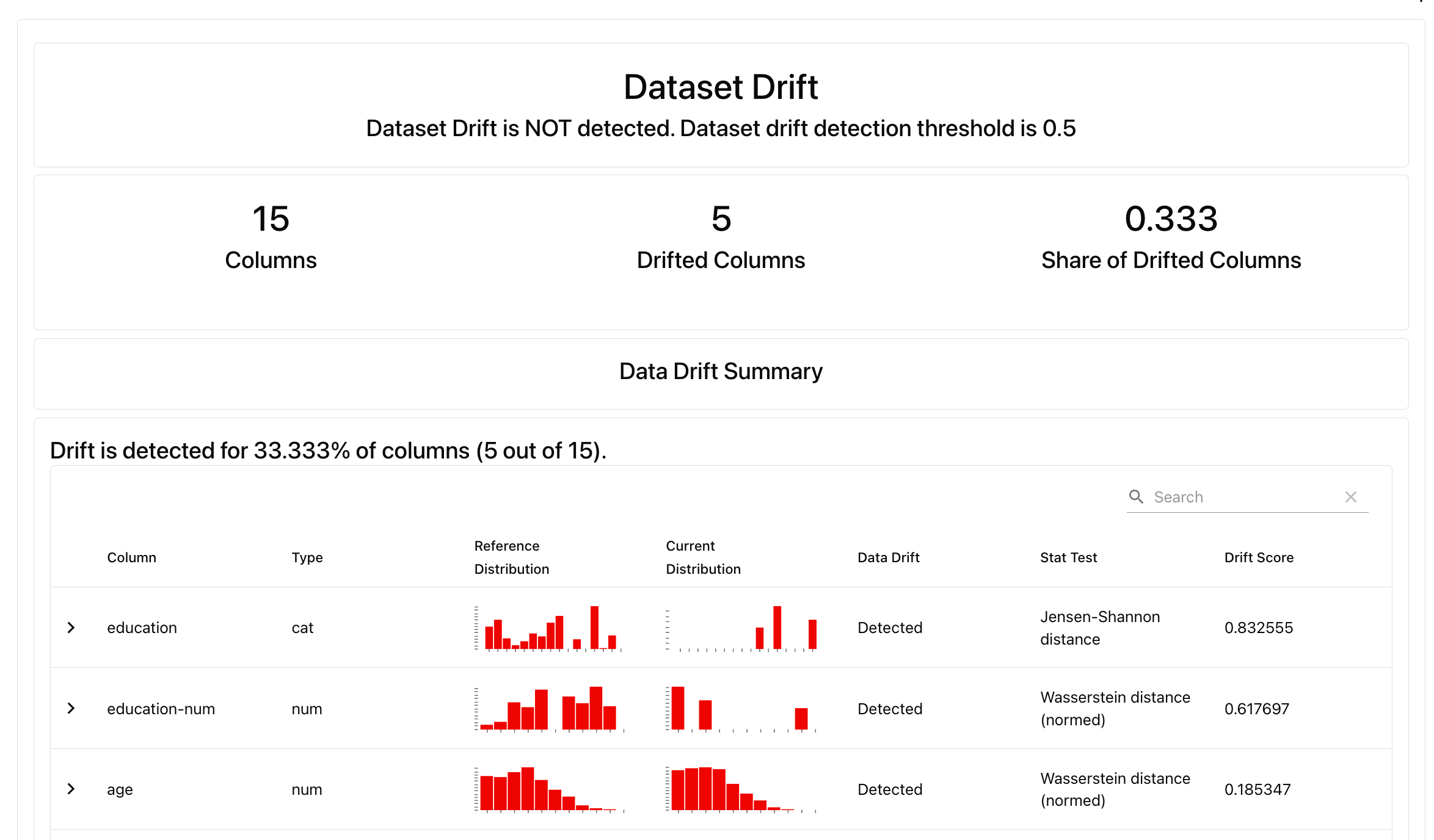
Alternatively, try
DataSummaryPreset that will generate a summary of all columns in the dataset, and run auto-generated Tests to check for data quality and core descriptive stats.What’s next?
Local Reports are great for one-off evaluations. To run continuous monitoring (e.g. track the share of drifting features over time), keep track of the results and collaborate with others, upload the results to Evidently Platform.
- Read more about platform self-hosting.
- See available Evidently Metrics: All Metric Table
- Understand how you can add conditional tests to your Reports: Tests.
- Explore options for Dashboard design: Dashboards